Key takeaways
- WordPress — fast launch, sensible budget and editing content yourself.
- Next.js — maximum speed, complex logic or a web app.
- Both rank well in Google when built properly.
- For most small business sites WordPress is the best choice.
For a service website, business site or small store in 2026, WordPress is usually enough: it costs less, launches faster and you can edit content without a developer. Choose Next.js when you need maximum speed, custom logic or the site is part of a product. I work with both, so this comparison isn’t an ad for either.
WordPress and Next.js in plain words
WordPress is a content management system with an admin panel. It powers over 40% of all websites (W3Techs). You log in, change a text, price or photo — done.
Next.js is a React framework for building websites and web apps in code. Pages are pre-rendered or rendered on the server, so they open very fast. Content is edited via a headless CMS or by a developer.
Side-by-side comparison
| Criterion | WordPress | Next.js |
|---|---|---|
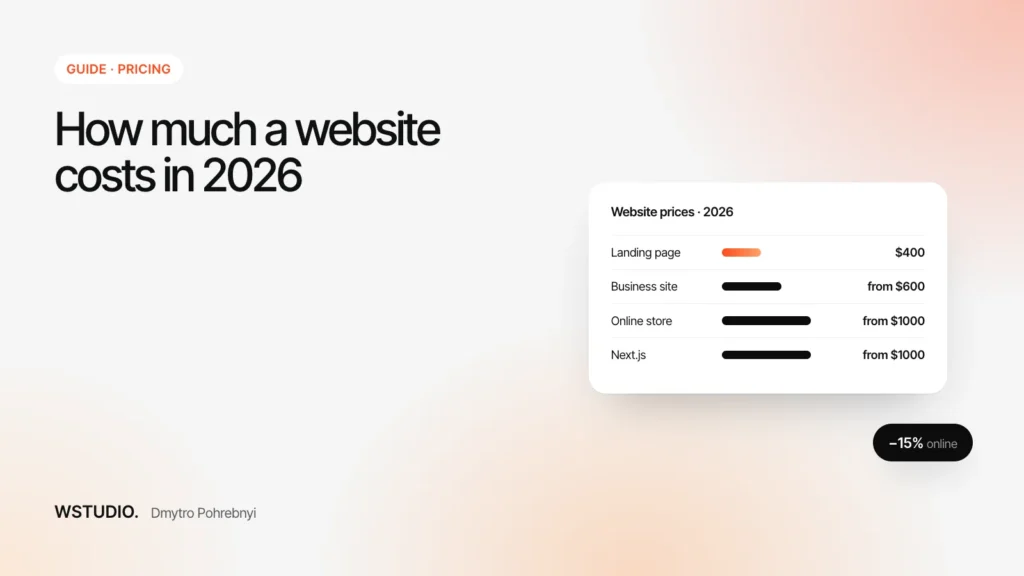
| Starting price | From $400 | From $1000 |
| Timeline | 1–3 weeks | 2–4 weeks |
| Content editing | Built-in admin panel | Headless CMS or a developer |
| Speed | High with proper optimisation | Maximum, even under load |
| SEO | Excellent, Rank Math / Yoast | Excellent, configured in code |
| Security | Needs updates and login protection | Smaller attack surface |
| Complex logic | Via plugins, with limits | Anything: accounts, calculators, APIs |
When to choose WordPress
- Service site, business website, landing page or blog.
- You want to edit copy, prices and case studies yourself.
- You need to launch quickly within a reasonable budget.
- A small WooCommerce store.
I build WordPress sites without heavy page builders: a custom theme, clear admin fields and fast loading. More on the WordPress website page.
When to choose Next.js
- Speed is part of the product: a large catalog, lots of paid traffic, strict Core Web Vitals.
- Logic that plugins don’t offer: accounts, calculators, your own API.
- The site is a web app or SaaS.
Details and prices — on the Next.js development page.
Dmytro’s take. A slow WordPress site is almost never the platform’s fault — it’s a heavy theme, dozens of plugins and cheap hosting. A properly built WordPress site passes Core Web Vitals just like a Next.js one. I recommend Next.js when it gives the business something WordPress can’t.
SEO and speed
Google measures speed with Core Web Vitals: the main content should load within 2.5 seconds (LCP), the page should respond within 200 ms (INP) and the layout shouldn’t shift (CLS under 0.1). Both platforms can pass; Next.js has speed built into its architecture, WordPress gets there with image optimisation, caching and a clean theme.
Security
WordPress is popular, so bots attack it more often. Basic hygiene solves it: updates, strong passwords, login attempt limits, captcha, disabled XML-RPC, backups. A Next.js site has no public admin panel, but API and hosting security are still on you.
Maintenance cost
- WordPress: inexpensive hosting, you make most content changes yourself; update plugins monthly.
- Next.js: Vercel or a VPS, logic changes via a developer. More expensive but predictable.
The full cost of a turnkey site is covered in how much a website costs in 2026.